Scan
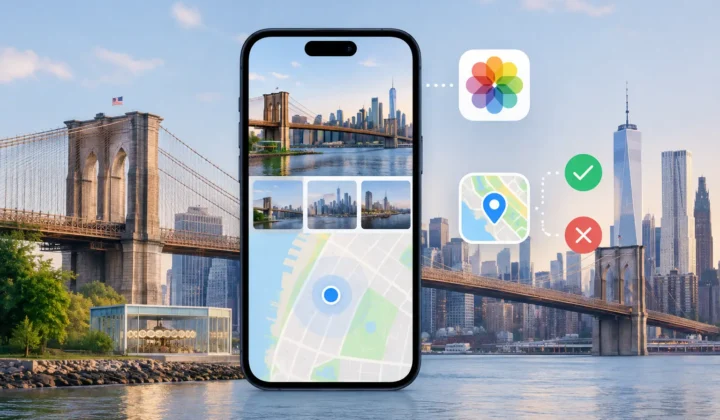
The app reads your library's timeline and finds every photo with no location sitting between photos that have one. Those neighbours are the anchors — the evidence for everything that follows.
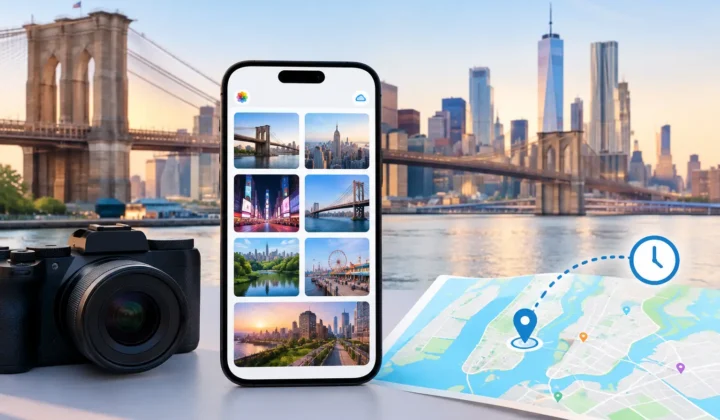
Old scans, AirDrop saves, camera imports — hundreds of photos in your library have no location. Photo Geotag reads the geotagged shots around them in time, proposes a place on the map, and asks you to confirm. Never a confident pin it cannot justify.

Free to try · iPhone, iPad & Mac · everything on-device
Three steps. The first and last are the app's job — the middle one takes you a few swipes.
The app reads your library's timeline and finds every photo with no location sitting between photos that have one. Those neighbours are the anchors — the evidence for everything that follows.
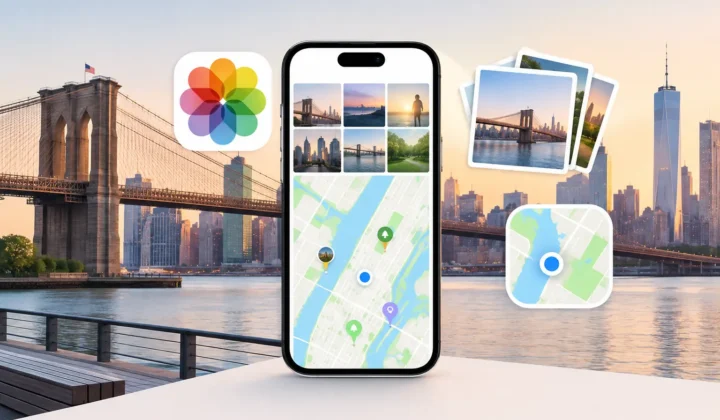
Photos are grouped by moment, not reviewed one by one. Each group gets a proposed pin, both anchors, and the time between them drawn to scale. One tap confirms dozens of photos. Swipe to skip — it comes back later.
Nothing touches your library until you press Apply. Every write is journalled first, so one tap of Undo restores every photo to exactly what it was — even after the app quits.
Scanned prints. Photos saved from WhatsApp or AirDrop. Shots where GPS never locked indoors. They sit in your timeline between geotagged photos taken minutes apart — the answer is already in your library, unread.
Import a day of Canon, Nikon, Sony or Fujifilm shots and none of them know where they were taken — but your iPhone shots from the same day do. Photo Geotag matches the two timelines and places the camera's photos from the phone's track.
Geotagging camera photos, including the wrong-clock problem →
One rule carries the whole product. Every pin ring, chip and timeline bar speaks the same four-colour language — and the app is built so it cannot overclaim.
Taken within seconds of a geotagged shot, or between two anchors at the same spot. The app is not guessing.
Anchors close together, a walkable pace between them. A time-weighted point, worth a glance before you confirm.
No pin is ever drawn. Anchors 1,160 km apart? You were flying. You get the route and the truth, not a guess.
Drag the pin anywhere and the group is yours. The colour flips so you always know which placements the app proposed and which you chose.
“An uncertain proposal has no coordinate to read. It is not possible for the app to render a confident pin for a guess it cannot justify.”
— the design spec, and the reason to trust every green pin
Because you review moments, not photos.
A morning at the market is one decision, not forty. Certain groups can be accepted in bulk before you make a single swipe.
Anchor — gap — anchor, widths drawn to real elapsed time. A four-minute gap is a sliver you confirm without thinking. A six-hour gap is a wide band you instinctively distrust.
Swipe to skip and the group returns next session. Ignore and it never bothers you again. Both live in a bin with a route back.
The scan, the inference, the clock matching — all of it runs on-device. No accounts, no uploads, no “processing in the cloud”. The app never even sees the internet on your photos' behalf.
And writing is as careful as reading: locations are staged locally, applied only when you say so, and journalled before the write so Undo can always restore the exact prior state. Prefer files? Export a GPX track instead and keep your library untouched.
Notes on where photos come from and how to put them back — cameras, clocks, scans, and the odd corner of Apple Photos.
This camera timezone correction guide explains how to fix shifted timestamps, protect location evidence, and review photo metadata before applying changes.
Apple Photos location tools help organize memories, but cannot recover missing places alone. Learn where manual edits work and why evidence matters…
This Apple Photos guide explains how to preserve dates, places, and context, find gaps in your library, and correct location metadata privately…
Built by the same maker, for the same photo library.
 RawToHEIC
Convert RAW to HEIC and reclaim your storage — without leaving Apple Photos.
Learn more
RawToHEIC
Convert RAW to HEIC and reclaim your storage — without leaving Apple Photos.
Learn more
 MergeHDR
Merge bracketed exposures into one clean HDR photo, right on your device.
Learn more
MergeHDR
Merge bracketed exposures into one clean HDR photo, right on your device.
Learn more
 Filters
Find photos by the colours in them — three colours as one Venn query, on-device.
Learn more
Filters
Find photos by the colours in them — three colours as one Venn query, on-device.
Learn more
 Copyrighted
Read, fix and stamp the copyright inside your photos — losslessly, on-device.
Learn more
Copyrighted
Read, fix and stamp the copyright inside your photos — losslessly, on-device.
Learn more
 Camera Grid
A camera that reads the scene, draws the composition that fits it and scores your framing live — on-device.
Learn more
Camera Grid
A camera that reads the scene, draws the composition that fits it and scores your framing live — on-device.
Learn more
 Photo Tape
One photo a day for two, on each other's home screen. Shared through iCloud.
Learn more
Photo Tape
One photo a day for two, on each other's home screen. Shared through iCloud.
Learn more
 Site Pulse
Watch your sites' live visitors from the Mac menu bar.
Learn more
Site Pulse
Watch your sites' live visitors from the Mac menu bar.
Learn more
Free to download for iPhone, iPad and Mac.