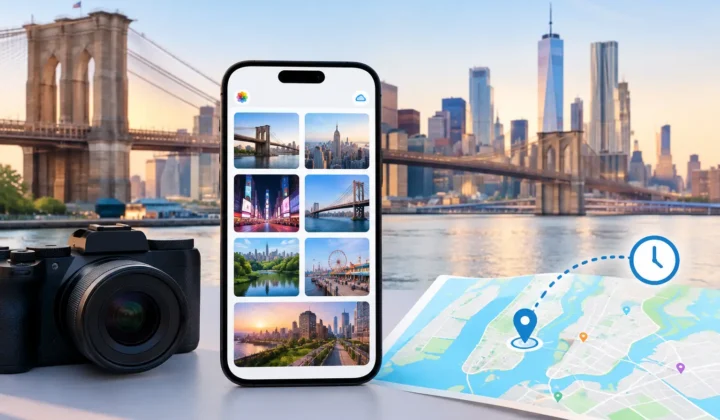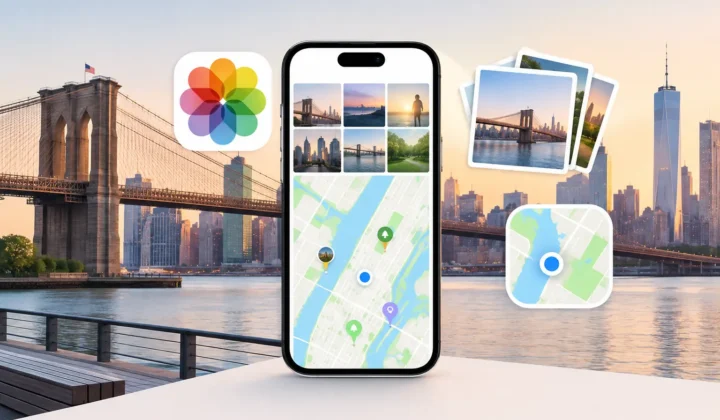
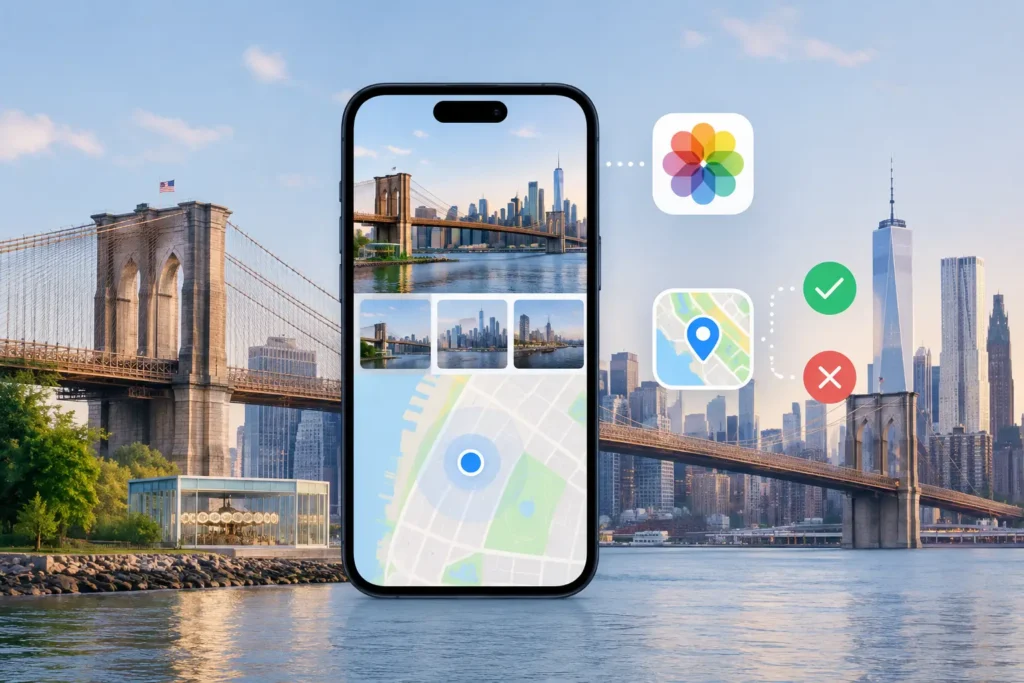
A photo can be perfectly preserved and still lose the detail that makes it findable years later: where it was taken. Apple Photos location tools are useful for viewing, searching, correcting, and removing place data, but they begin with one essential requirement: the photo needs a location to work with.
That distinction matters when a library contains scanned family prints, images saved from WhatsApp, photos received through AirDrop, indoor shots without a GPS lock, or files imported from a dedicated camera. Apple Photos can help you manage location metadata already attached to an image. It cannot independently establish a missing location from the surrounding history in your library.
For a few images, manual correction is straightforward. For hundreds of images across several trips, it becomes a preservation decision. The goal is not to put every photo on a map. It is to attach locations only where the available evidence justifies them.
What Apple Photos location tools do well
Apple Photos treats location as part of a photo’s information. When location data exists, the app can use it in several practical ways. You can browse by map, search for a city or landmark, group memories around places, and see where a trip unfolded. On iPhone, iPad, and Mac, location also helps turn a large library into something you can actually retrieve.
A photo taken with an iPhone outdoors will often include GPS coordinates automatically, provided Location Services and camera permissions are enabled. That coordinate can be precise enough to distinguish one side of a street from another. Apple Photos then makes the image available in map-based views and place searches without requiring separate organization.
The built-in editing tools are valuable when the recorded location is wrong or too broad. In the photo’s information view, you can adjust a location by searching for a place or choosing a more appropriate result. You can also remove location information entirely when a photo should not retain it.
This is a sensible workflow for a one-off correction. Perhaps a camera placed a photo in the wrong town, or an image was taken near a recognizable venue but the recorded coordinate is slightly off. Apple Photos gives you a direct, visible way to correct the metadata.
It also gives you control over privacy when sharing. Before sending photos, you can choose not to include location data. That is particularly useful for pictures taken at home, at a child’s school, or anywhere a precise coordinate would reveal more than you intend to disclose.
Where Apple Photos location tools reach a limit
The limitation appears when a photo has no location at all. Apple Photos can accept a place you assign, but it does not inspect the timeline around the image and present a reasoned proposal based on neighboring, geotagged photos.
Consider a travel day with an iPhone photo at 10:12 a.m. in Santa Fe, several untagged images from a mirrorless camera at 10:16 a.m., and another iPhone photo at 10:20 a.m. at the same location. A person looking at the library can see a strong case for the camera images belonging there. Apple Photos does not turn that temporal context into a grouped suggestion for review.
Now change the gap from four minutes to six hours. The same assumption would no longer be justified. You may have driven across the state, flown to another city, or simply photographed in multiple places. A responsible location workflow needs to recognize that these are different cases, rather than treating every missing coordinate as an invitation to guess.
That is why bulk location repair is not merely a faster version of manual editing. It requires an evidence standard. The system needs to distinguish between a supported placement, an uncertain possibility, and a situation where no pin should be drawn at all.
Missing metadata has ordinary causes
A missing location does not mean a photo is suspicious or incomplete in every other respect. It often reflects how the file entered the library. Scanned prints may carry a scan date rather than the date and place of the original photograph. Messaging apps commonly strip metadata during export or saving. AirDrop behavior can vary depending on the source file and how it was prepared.
Dedicated cameras introduce a different problem. Canon, Nikon, Sony, and Fujifilm files can retain excellent capture time and camera settings while lacking GPS coordinates. Indoor iPhone shots can also be untagged when the device could not establish a reliable location. None of these cases should be solved by inventing certainty.
A safer approach for filling location gaps
For a substantial library, start with the timeline rather than the map. Capture time is often the useful bridge between an untagged photo and nearby images that do have reliable locations. But time is evidence, not proof by itself.
A practical workflow has three stages: scan, confirm, and apply. First, identify untagged photos positioned between location-tagged images. Then review the proposed placement in context. Finally, apply only the changes you approve.
The review stage is where the quality of the tool matters most. A useful interface should show the anchor photos on either side of the gap, their timestamps, their locations, and the scale of the interval. It should make a four-minute gap feel meaningfully different from a six-hour gap. Color-coded certainty can help, provided the labels explain what the app knows rather than disguising uncertainty with a confident-looking map pin.
Photo Geotag is designed around that distinction. It processes the existing library on device, identifies eligible gaps between geotagged photos, and presents grouped proposals for explicit confirmation. If the evidence cannot support a placement, it does not silently assign one. You can also edit a proposed location manually when you know more than the timeline can show.
Grouping matters because location gaps often occur in runs. A camera import may contain 300 photos from an afternoon walk. Reviewing those images as a single proposal, with supporting anchors visible, is more realistic than assigning a location one file at a time. It also avoids a different kind of error: applying a correct place to the wrong segment of the day.
Check the camera clock before trusting the timeline
Time-based location inference depends on accurate capture times. Dedicated cameras are especially prone to clock drift, daylight saving errors, and time-zone mistakes. A camera that is set one hour ahead can make a strong-looking timeline match completely wrong.
Look for recognizable moments that appear on both devices, such as a meal, a landmark, or the start of an event. If the camera photos consistently fall before or after the phone photos by the same amount, the issue may be a clock offset rather than a location gap. Correcting that offset before reviewing locations can change an uncertain match into a justified one.
The important point is that clock correction should be visible and reversible. A tool should tell you that it detected a likely offset and show how that conclusion affects its proposals. Hidden adjustments are difficult to audit later, especially in an archive intended to outlast the device that created it.
Protect both privacy and library integrity
Location metadata is personal. It can reveal homes, routines, workplaces, and travel patterns. A location-repair workflow should not require uploading a photo library to a remote service just to inspect timestamps and coordinates. Local processing keeps the evidence, the photos, and the decisions under your control.
Library integrity matters just as much. Before applying a batch, review the count, the date range, and the proposed place. Prefer tools that record their changes and support undo, rather than making edits that are difficult to trace. Reversibility is not a convenience feature when you are working with irreplaceable family history.
There is also value in leaving some photos untagged. A vague memory, a long time gap, or conflicting anchors are legitimate reasons to stop. An empty location field is more honest than a polished but unsupported coordinate.
The best use of location metadata is not to make a map look complete. It is to make future searches more truthful: the family gathering you can find by city, the camera roll from a road trip that stays in the right order, the scanned photograph whose place is known and documented. Add the pin when the evidence supports it, and let uncertainty remain visible when it does not.