
A photo can remain in your library while its context quietly changes hands. A messaging app may strip its location. A scanning service may assign a new creation date. A cloud tool may inspect image details to provide a feature you did not explicitly request. The pixels are still yours, but metadata ownership determines who controls the facts attached to them.
For a personal photo library, those facts are not incidental. They are how a picture of a child at a lake becomes findable years later, how a travel album sorts itself correctly, and how a scanned family print regains its place in a timeline. They also deserve the same care you would give the image itself.
What metadata ownership actually means
Metadata ownership is the practical ability to inspect, preserve, correct, remove, and restore the information associated with your photos. It is not only a question of legal rights or copyright. It is a question of control over what a photo says about itself.
That information can include the capture date and time, GPS coordinates, camera make and model, lens details, orientation, captions, keywords, face associations, and edit history. Some of it comes directly from a camera. Some is added by an app, a photo library, or a person organizing an archive.
Ownership means you can answer a few basic questions clearly: Where is this data stored? Who can read it? What can change it? Can I review the change before it is written? Can I undo it later?
A service that automatically processes a library but cannot explain what it changed leaves too much unanswered. Convenience is useful, but it is not a substitute for a clear record of what happened to a memory.
Owning the photo file is not enough
It is possible to possess an original image file and still lose control of its context. This happens routinely when photos move between devices and services.
A photo saved from WhatsApp may arrive without the original location. An image sent over AirDrop may retain more information, but the result depends on how it was shared and received. A scanned print may have a file creation date from the day it was digitized rather than the year it was taken. Files from Canon, Nikon, Sony, and Fujifilm cameras may contain precise capture times but no GPS coordinates at all.
None of these situations makes the photo unusable. But they make organization less reliable. A search for photos from a particular trip misses the untagged camera files. A map view omits the indoor images that never obtained a GPS lock. A chronological view places a 1994 print beside photos scanned last weekend.
The challenge is not merely adding information. It is deciding which information is justified.
A location pin is a claim
When an app places a pin on a photo, it makes a factual claim: this image was made here. That claim may be well supported, loosely supported, or unsupported.
Consider an untagged photo taken four minutes after a geotagged image at a museum entrance and two minutes before another geotagged image in the same area. A proposed museum location has meaningful evidence behind it. Now consider a six-hour gap between two known locations on opposite sides of a city. There may be no honest basis for assigning every intervening photo to either place.
Those cases should not receive the same treatment. A system that treats both as equally certain may fill gaps quickly, but it also creates false history.
Metadata ownership requires informed changes
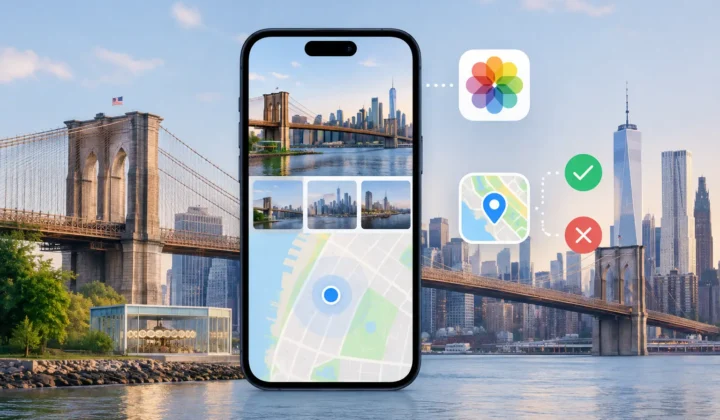
The strongest workflows put the user in control at the moment a change is proposed. They show the evidence, state the degree of certainty, and wait for confirmation.
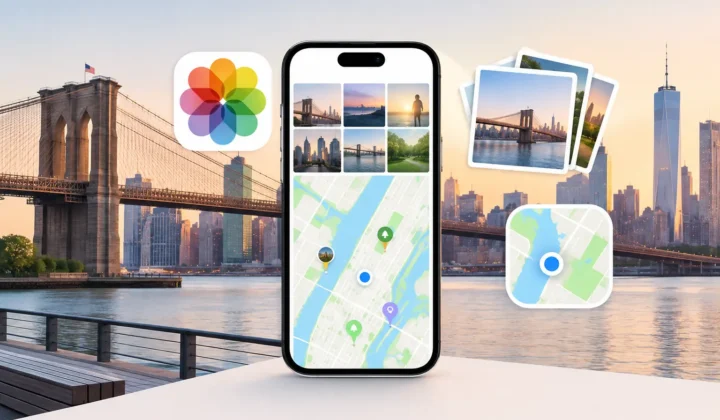
For location repair, that usually means beginning with a timeline scan. Untagged photos are compared with nearby geotagged anchor photos, using capture times and known locations to identify plausible groups. A grouped review matters because people do not remember photos one file at a time. They remember arriving at a trailhead, spending an afternoon at a wedding venue, or walking through a particular neighborhood.
A useful review interface makes the basis for a proposal visible. You should be able to see the time gap, the surrounding anchors, and whether the photos fall within a consistent window. Color-coded certainty can help, provided the colors are not used to disguise uncertainty. A cautious state is more valuable than a confident-looking pin that cannot be justified.
Then comes confirmation. You may accept a proposed location, edit it manually, skip the group, or leave it unresolved. There is no failure in leaving a photo untagged when the evidence is weak. Preserving uncertainty is often the accurate choice.
Finally, changes should be applied locally and recorded in a way that supports reversal. A journalled write process gives the user a path back if a selection was too broad or an assumption later proves wrong. Control is not complete if the only way to correct an automated edit is to reconstruct the old state from memory.
Privacy is part of metadata ownership
Location metadata is particularly sensitive because it can reveal home addresses, routines, schools, workplaces, and travel patterns. A photo library is not a generic dataset. It is a record of real people and places.
That is why the processing model matters as much as the result. If a tool requires cloud uploads, account creation, or network analysis of your library, you should understand exactly what is transmitted, retained, and used. A privacy policy may permit a practice that you would still prefer to avoid.
On-device processing offers a simpler boundary: the library is analyzed on your iPhone, iPad, or Mac, and the photo information stays there. It does not make every metadata decision correct, but it limits unnecessary exposure of the underlying memories.
Photo Geotag follows this model by reviewing location evidence on-device rather than sending a personal library to a remote service. Its purpose is not to invent a complete map for every image. It is to help users restore missing locations where the timeline supports them, then leave the final decision with the user.
Watch for clock errors before trusting a timeline
A timeline is only as reliable as its timestamps. Dedicated cameras often have a clock that is a few minutes, hours, or even days off. Daylight saving changes, travel across time zones, and an uncorrected camera clock can make a photo appear to have been captured before a trip began or after it ended.
This is one reason broad automatic geotagging can go wrong. If a camera is consistently four hours behind, a tool may match a morning image to the wrong part of the day and infer a location from unrelated nearby photos.
A careful system should detect a consistent offset when the evidence supports it and show the correction for review. It should not silently rewrite capture times simply to make a result fit. In some libraries, correcting the camera clock is the right first step. In others, the timestamps are too inconsistent for a single adjustment. The answer depends on the source and the evidence.
Questions to ask before allowing metadata edits
Before granting any photo tool access to make changes, look beyond whether it can produce a plausible result. Ask whether it behaves in a way you can verify.
- Does it explain where each proposed location or date came from?
- Can you review groups before anything changes?
- Does it distinguish strong evidence from weak evidence?
- Can you edit, reject, or defer a proposal?
- Are changes local to your device, or does the library leave it?
- Is there a clear way to undo applied changes?
No tool can recover information that was never recorded. But a well-designed tool can make the boundary visible. It can say, in effect, this placement is supported, this one is only possible, and this one should remain unknown.
That distinction protects more than a map view. It protects the trustworthiness of the library you will rely on years from now. Treat photo metadata as part of the memory, keep its processing close to home, and only write a location when you can stand behind it.