A photo library can survive a hardware failure and still lose part of its history. The image files may be safely backed up, but a scanned family print has no date, a travel photo saved from a message has no place, or a camera import is shifted by six hours because its clock was wrong. Digital preservation is not only about retaining pixels. It is about retaining enough trustworthy context for those pixels to remain useful years from now.
For personal photo libraries, that context includes dates, locations, captions, people, albums, edits, and the relationship between an original and its derivatives. Some details can be reconstructed later. Others cannot. The difference matters when you are trying to find the photo from a particular vacation, identify where a childhood picture was taken, or pass an archive to someone who was not there.
Digital preservation is more than backup
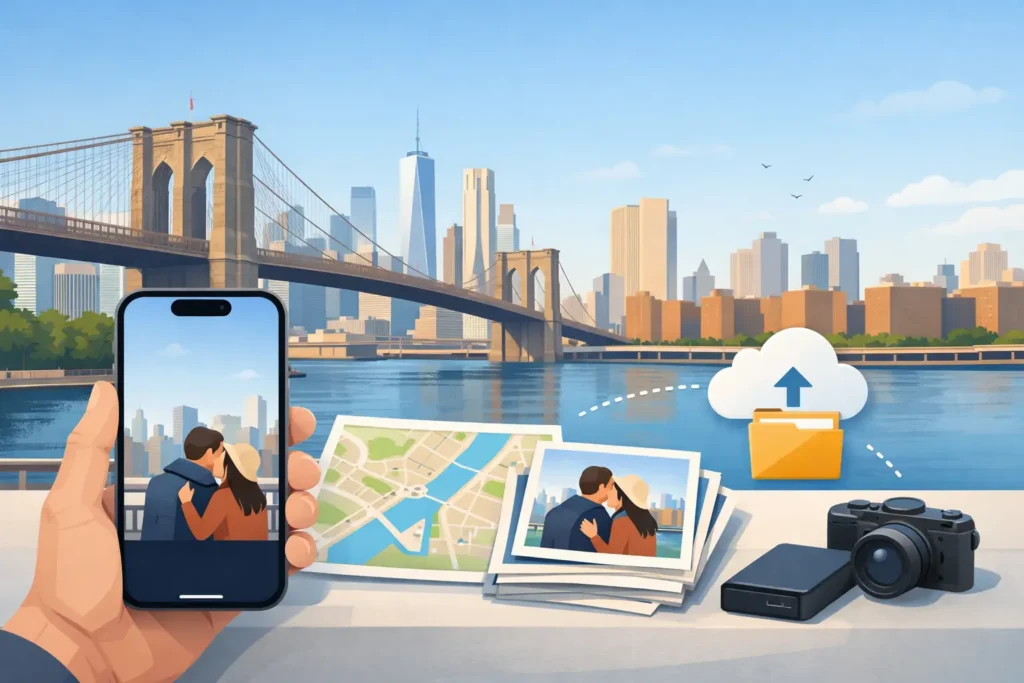
A backup answers a narrow but necessary question: if this device, drive, or account becomes unavailable, do you still have the file? A preservation practice asks additional questions. Can you open the file? Can you understand what it depicts? Can you locate it within a large collection? Can you tell which version is original? Can you trust the metadata attached to it?
Those are different risks. A perfectly duplicated JPEG with a missing capture date is still a JPEG, but it may no longer appear in the right part of a timeline. A photo with a vague or incorrect location may be harder to retrieve and may create a misleading record of a trip. A heavily edited export may look right today while no longer preserving the higher-quality original from which it came.
This does not mean every image needs exhaustive cataloging. Personal archives need proportionate care. The most useful work usually focuses on information that changes how you can find, interpret, or responsibly share a photo later.
Preserve originals, then preserve their meaning
Start by keeping originals. When an app offers nondestructive edits, it preserves the source image while storing adjustments separately. That is generally preferable to repeatedly exporting, resizing, and reimporting files until the best available version is unclear.
The same principle applies to scans. Scan prints and documents at a resolution that supports future viewing and printing, then keep the scan that came directly from the source. You can create cropped, color-corrected, or shareable copies afterward. A cleaned-up copy may be the one you use most often, but it should not quietly replace the archival source.
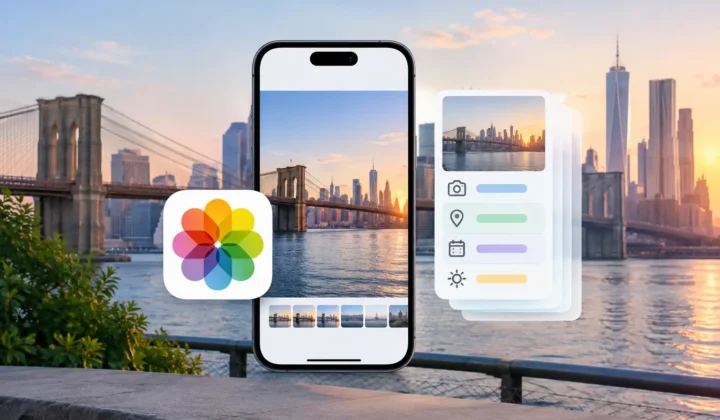
Meaning is often held in metadata. Capture date and time establish sequence. Location can distinguish one beach, museum, neighborhood, or family home from another. A short caption can preserve a name or event that no automated system can infer. Albums and keywords can provide another layer of organization, particularly for projects that do not fit neatly into time or place.
Metadata should be treated as a record, not decoration. A date you know is wrong should be corrected. A place you only vaguely remember should be marked or described with appropriate caution, not converted into a precise pin simply because a map requires one.
Why location metadata deserves special care
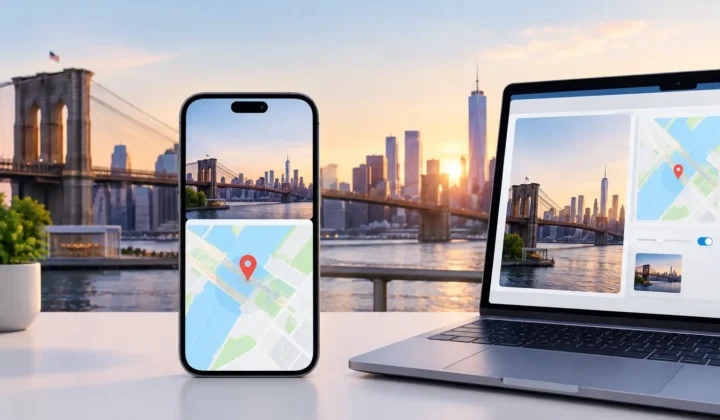
Location is unusually valuable because it connects photographs to real-world places without requiring you to remember exact filenames or dates. Search for a city, browse a map, or revisit an old route, and a well-tagged library becomes substantially easier to use.
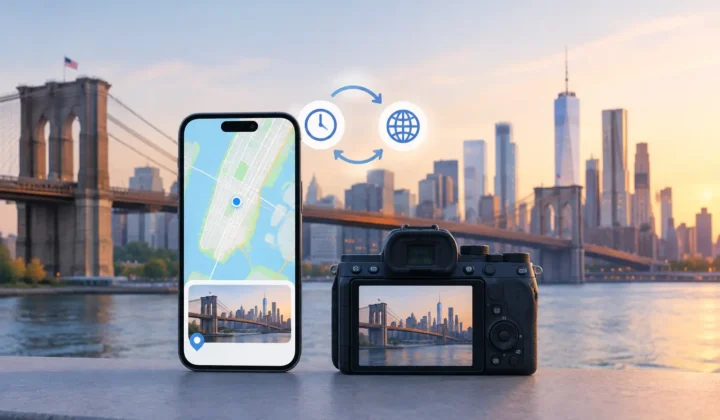
It is also unusually easy to lose. Photos from dedicated cameras may lack GPS entirely. Indoor iPhone photos may be taken before the device has a reliable GPS lock. Images received through WhatsApp or other messaging services can arrive without original metadata. AirDrop behavior depends on how a photo was shared. Scanned prints begin without any digital location record at all.
The temptation is to fill every gap automatically. That is not preservation. It is only preservation when the new information is justified by evidence and clearly distinguishable from a guess.
Consider an untagged photo between two geotagged photos taken four minutes apart at the same park. The surrounding timeline may provide strong evidence for a proposed location. Now consider an untagged image between photos taken six hours apart in different cities. There may be no responsible basis for assigning a pin. The absence of a location is more accurate than a confident-looking error.
Photo Geotag is designed around this distinction. It examines nearby dated and geotagged photos locally on your Apple device, groups supportable proposals, and lets you review them before metadata changes. When the timeline cannot justify a location, the app does not draw one. That restraint protects the value of the library as a historical record.
A practical workflow for photo preservation
Preservation works best as a recurring maintenance habit rather than a one-time cleanup project. A useful workflow has three stages: protect the files, inspect the context, and make reviewable corrections.
First, verify that your photo library has more than one independent copy. For many Apple users, that means maintaining a current library on a primary device or managed photo service and keeping an additional backup that is not dependent on the same failure point. The right setup depends on your storage, budget, and tolerance for maintenance. What matters is that a deletion, damaged drive, or account problem does not become the only copy of a memory.
Second, inspect the parts of the library that are most likely to have gaps. Recent imports from Canon, Nikon, Sony, or Fujifilm cameras are good candidates. So are batches of scanned prints, images received from other people, and photos from trips where indoor shooting or weak reception may have interrupted location capture.
Third, correct metadata in small, understandable groups. Review the images, the proposed date or place, and the evidence behind it. For location work, neighboring anchor photos are useful precisely because they make the reasoning visible. If an app identifies a camera-clock offset, verify it against an event you can independently place before applying a correction across a large import.
Reversibility should be part of the workflow. A correction journal, an easy undo path, and the ability to edit a proposed location manually all reduce the cost of being careful. Metadata changes deserve the same review standard as photo edits because they influence future search, map views, and the story others may infer from the library.
Privacy is part of preservation
Preserving a personal archive should not require giving up control of it. Photo libraries can reveal homes, schools, routines, relationships, and travel patterns. A service that uploads images for analysis may be convenient, but it introduces another copy, another policy, and another long-term dependency.
For many tasks, local processing is the better fit. On-device analysis keeps personal photos on the device while still allowing software to inspect dates, nearby locations, and other information needed for a proposed correction. No account is inherently safer merely because it exists, and no cloud workflow is automatically unacceptable. But the trade-off should be explicit.
The same care applies when sharing. Before sending a photo outside a trusted circle, decide whether its location is useful to the recipient. A location pin can be essential in a family archive and unnecessary in a public post. Preservation and privacy are not opposing goals. Good metadata management lets you retain useful context in your private library while making deliberate choices about what leaves it.
Plan for the archive you will inherit
A photo library is often inherited before anyone calls it an archive. The handoff may happen when a family member needs help organizing old images, when a new computer replaces an old one, or when someone else becomes responsible for a shared collection.
Make that handoff easier. Use clear album names. Keep scans near their source material when practical. Add captions to a small number of irreplaceable images: names, dates, places, and why the picture matters. If a location is approximate, say so. “Near Asheville, summer 1988” is a better record than an exact coordinate invented decades later.
The goal is not a flawless library. It is a library whose files, context, and uncertainty remain legible. Each careful correction gives a future search, a future family member, or your future self a more honest way back to the moment.