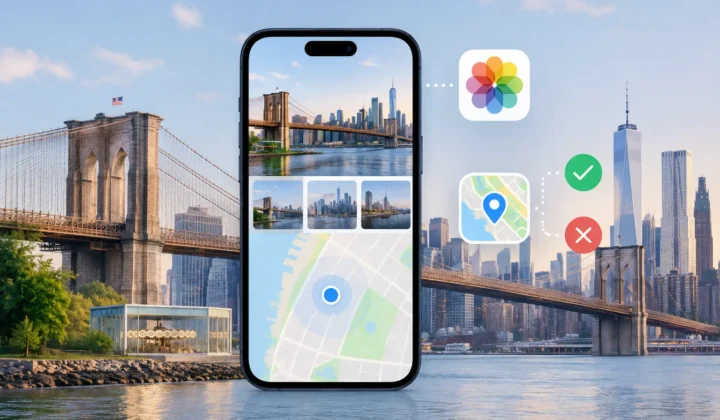
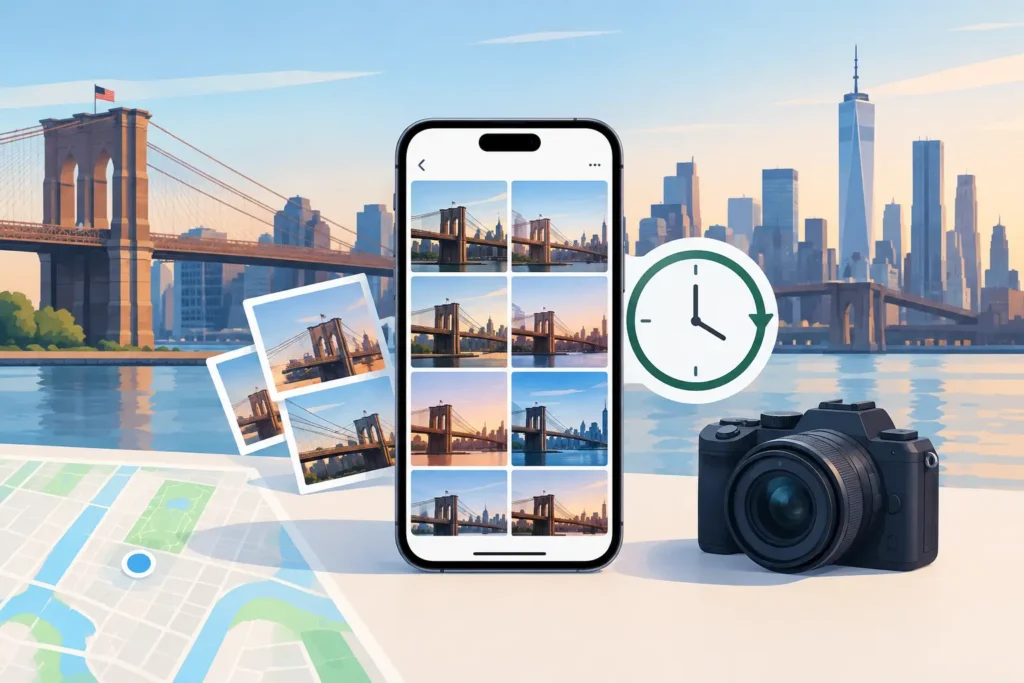
A camera can be only a few minutes wrong and still cause a much larger problem in your photo library. To fix camera clock drift, you need to correct the time relationship between the camera files and the photos that already have trustworthy dates and locations. The goal is not to make metadata look tidy. It is to keep a trip, a family event, or a scanned archive from being placed in the wrong part of your timeline – or on the wrong side of the world.
Clock drift is especially common with dedicated cameras. Canon, Nikon, Sony, and Fujifilm bodies do not automatically receive time from an iPhone or cellular network. Their internal clocks slowly diverge, and a battery change, daylight saving time adjustment, or travel across time zones can introduce a much larger offset in seconds.
What camera clock drift changes
A camera clock determines when an image appears to have been taken. That time becomes meaningful when you organize by date, merge photos from several devices, or use neighboring iPhone photos as evidence for a missing location.
Consider a day in Lisbon: your iPhone records a geotagged street photo at 10:14 a.m., then you take a series of GPS-free mirrorless camera images while walking through the same neighborhood. If the camera is six hours behind, those images may appear near the middle of the night in your library. Any system looking for nearby, geotagged anchor photos will find the wrong evidence – or no usable evidence at all.
The issue is not always a steady clock error. A camera may be exactly one hour off after daylight saving time begins. It may retain home time through an international trip. Or it may be accurate until the battery is removed and reset. These are different failures, and they should not be treated as one broad, automatic correction.
Confirm the offset before changing anything
The safest way to identify clock drift is to compare camera photos with a reliable reference captured during the same event. An iPhone photo with a known location is often useful because its time is normally set automatically. A photo of a visible clock, a concert start time, a receipt, or a sequence of images taken moments apart can also establish a reference.
Look for a repeated difference, not a single coincidence. If several camera files consistently fall 37 minutes before corresponding iPhone photos, that supports a 37-minute correction. If the gap changes from 37 minutes to one hour and 37 minutes halfway through the trip, you may be looking at a daylight saving time change or a camera setting that was adjusted manually.
A practical check is to select three or four moments spread across the session: early, middle, and late. Compare each with a reference photo or event. A stable offset across all of them is strong evidence that the camera clock, rather than the capture order, is wrong.
Be cautious when the camera and phone were not used side by side. A camera image taken inside a museum might be physically near an iPhone photo, but it may have been captured two hours earlier. A location proposal based only on visual similarity or a broad date match would be a guess. Time correction should make evidence more accurate, not manufacture it.
How to fix camera clock drift without damaging chronology
Start by preserving the original files and understanding which date field you are adjusting. Photo metadata can include the capture date, import date, file creation date, and edit date. These values serve different purposes. Changing an import date will not repair a camera’s capture chronology, while changing a file date may create confusion outside your photo library.
For most library organization and geotagging work, the capture time is the relevant field. Apply the smallest justified adjustment to that field, then review the result in timeline order. A correct adjustment should move the affected camera series into its natural place among photos from your phone and other devices.
Avoid correcting an entire camera archive based on one day’s observation. The same camera may have been set correctly on later trips, used in another time zone, or reset after battery removal. Work in distinct sessions – a morning hike, a weekend trip, a wedding, or a specific import batch – and verify each session independently.
It also helps to separate a fixed offset from a true drift rate. A camera that is five minutes slow throughout a three-day trip has a fixed offset. A camera that begins one minute slow and ends six minutes slow may have a drifting clock, although ordinary event timing can make that difficult to prove. For personal photo libraries, a single session-level correction is usually appropriate only when the evidence shows a consistent difference.
Use location evidence only after time is credible
Once capture times align, nearby geotagged photos can become useful anchors for untagged camera images. A short gap surrounded by photos at the same location can support a location proposal. A six-hour gap between two distant locations cannot support the same confidence, even if both photos belong to the same day.
This distinction matters when you restore missing locations at scale. An image captured at 2:04 p.m. between iPhone photos at 2:02 p.m. and 2:06 p.m. in the same park has meaningful temporal and geographic context. An image dated 2:04 a.m. because the camera was set to another time zone does not. Correcting its clock may reveal valid anchors; leaving it wrong can make a justified placement appear impossible.
Photo Geotag detects incorrect camera-clock offsets as part of its timeline-based review. It uses neighboring timestamps and locations as evidence, groups proposed changes, and shows certainty rather than silently assigning a pin. When the evidence cannot justify a location, the appropriate result is no confident pin – not a convenient approximation.
Watch for time zones and daylight saving time
Time zone mistakes are easy to confuse with clock drift because both shift every photo by a predictable amount. The difference is operational. A camera left on Eastern Time during a California trip is typically three hours off. A camera that simply runs slow may be off by an unusual amount, such as 14 minutes.
Daylight saving time adds another common pattern: a clean one-hour discrepancy beginning on a specific date. Do not assume every one-hour gap is daylight saving time, though. It could also mean the camera was set to the wrong time zone, or that a user corrected it midway through a trip.
International travel can produce mixed sessions. You may shoot departure-day photos in one time zone, land in another, and adjust the camera later that evening. Treat the resulting groups separately. A single offset applied across that boundary can reorder the day and create false relationships between photos that were never taken near each other.
Review the library after correction
After you adjust times, inspect the affected images at both a close and wide timeline scale. At close scale, look for a sensible sequence around known anchor photos. At wide scale, make sure the group belongs on the correct day and does not leap across a flight, hotel stay, or major location change.
Check a few edge cases: the first and last image in the batch, photos near midnight, and files taken around a time-zone transition. Midnight is where a small correction can move an image to a different calendar day. That may be correct, but it deserves explicit review.
If you are also applying locations, review time correction and location placement as related but distinct changes. A corrected timestamp may strengthen the case for a location proposal. It does not guarantee one. Indoor photos, long breaks, and travel segments can still lack sufficient evidence.
Prevent the next mismatch
Before an important shoot, set the camera date, time, and time zone from your phone. Repeat the check after replacing a camera battery, traveling, or switching daylight saving time. For multi-camera work, photograph the same accurate clock with every camera at the start of the day. That one reference frame can make later alignment much easier.
For older imports, resist the pressure to make every photo perfectly precise. A defensible correction is better than a polished-looking guess. When a time offset is supported by repeated evidence, apply it carefully and keep the change reviewable. When it is not, preserve the uncertainty. Your future self will have a better chance of understanding the library when its metadata reflects what you know – and what you do not.