A photograph of a child on a familiar front porch can reveal more than the child’s smile. Depending on how it was captured and shared, it may carry the time, the address, the device used, and a record of nearby people. Photo privacy is not just about keeping images out of public view. It is about deciding which parts of a memory remain attached to it, who receives them, and what happens after the photo leaves your library.
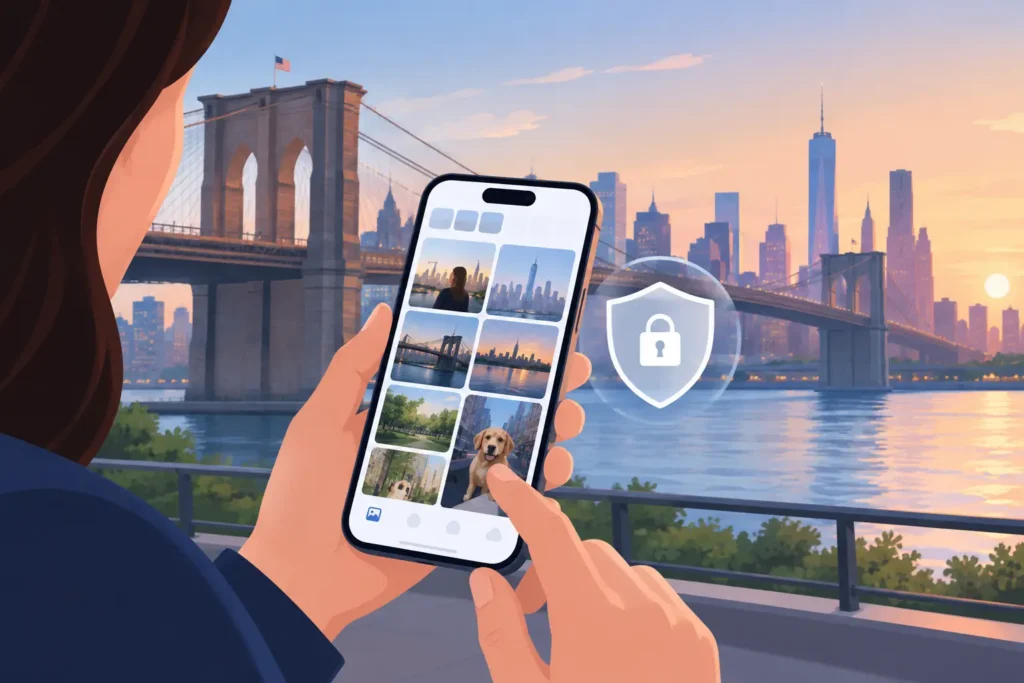
For people who keep years of family photos in Apple Photos, this is not an abstract concern. A photo library is often part archive, part map, and part personal diary. Protecting it requires more care than turning off one sharing setting.
Photo Privacy Is About Pixels and Metadata
Most people think first about the image itself: who can see it, save it, screenshot it, or repost it. That matters. But photos can also contain metadata, which is information stored alongside the image file.
Common metadata includes the capture date and time, camera model, lens details, edits, and location coordinates. A location tag can be useful inside a private library. It lets you search for a beach trip, group a vacation by place, or identify where a scanned family print was taken. The same tag may be unnecessary, or unsafe, when the image is sent outside that library.
The right choice depends on the photo and the recipient. Sending a landscape image to a close friend is different from posting a photo taken outside your home, your child’s school, a regular walking route, or a quiet place you want to protect. Privacy is not an argument against location data. It is an argument for intentional location data.
Start With the Boundary: Private Library or Shared Copy?
A useful distinction is between preserving information in your personal library and distributing that information with a shared image. These are separate decisions.
Your Apple Photos library may contain precise locations because those details help you organize and retrieve your own memories. When you share a photo, you can choose whether the copy includes location information. That creates a sensible default: retain context where it benefits you, remove it where it benefits someone else little or could expose more than intended.
Before sharing, ask what the recipient needs. If they only need to see the photo, they probably do not need its original location. If you are collaborating on a trip album with trusted family members, location may be useful. The point is not to treat every share as dangerous. It is to avoid treating every share as consequence-free.
This also applies to albums and shared libraries. “Private” should describe a real access boundary, not a vague feeling. Review who can view, add to, or invite others into a shared space. A family archive may be appropriate for a small group; a broadly shared album may call for fewer identifying details.
The Quiet Risks Are Often Accidental
Photo privacy failures are commonly ordinary workflow failures. A picture gets saved from Messages, forwarded from a group chat, exported for a school project, or copied into a social app. Each step can create another file, another audience, and a different set of metadata rules.
AirDrop and messaging can also strip useful details from incoming photos. A photograph may arrive with no original location, even when it was taken during a well-documented trip. Imported files from Canon, Nikon, Sony, and Fujifilm cameras often have the same problem when the camera has no GPS receiver. Indoor iPhone photos may lack a reliable GPS lock as well.
The absence of metadata is not automatically better for privacy. It can leave a personal archive harder to understand and easier to mislabel. But restoring missing context should never become a reason to invent it. An incorrect location is not a privacy win or an organizational win. It is simply false information attached to a memory.
Restore Context Without Sending Photos Away
Many tools solve metadata problems by asking users to upload their libraries to a server, create an account, or let an automated service process personal images elsewhere. That approach may be acceptable for some workflows, but it changes the privacy question. You are no longer deciding only what metadata belongs on a photo. You are deciding who processes the photo library itself.
A privacy-first workflow keeps that work on your own device whenever possible. The image library stays local, the analysis stays local, and you decide whether a proposed change is justified before it is written.
This matters especially when adding location metadata to older or imported images. The goal is not to produce a pin for every photo. The goal is to restore the locations that the available evidence can support.
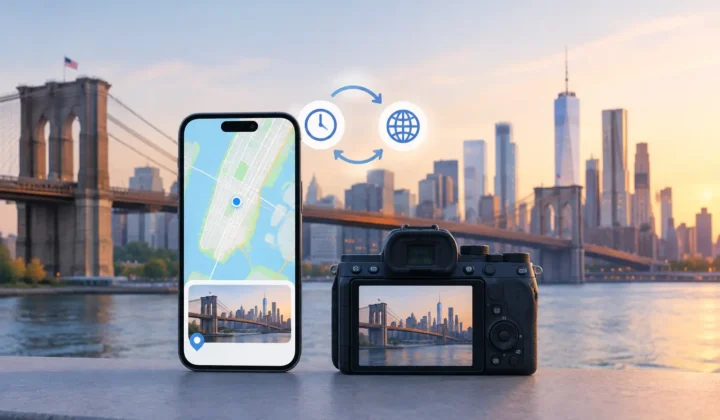
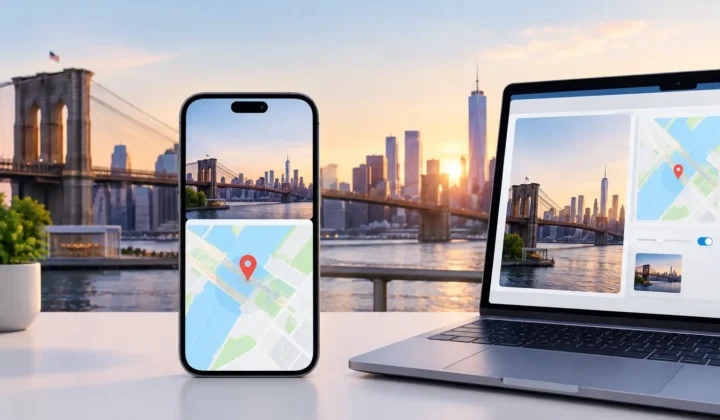
Photo Geotag follows that principle by examining untagged photos between known, geotagged images in an existing Apple Photos library. It uses neighboring capture times and locations as evidence, then presents proposed locations in groups for review. A photo taken four minutes after a geotagged image at a museum may have meaningful support. A photo taken six hours later, after an unknown drive, does not deserve the same confidence.
Treat Confidence as Part of the Metadata
A location pin can look definitive even when the evidence behind it is weak. That is why a careful system needs to communicate uncertainty, not conceal it.
For a short gap between two photos taken in the same place, a proposed location may be well supported. If the surrounding photos point to different places, or the time gap is large, the honest result may be no proposal at all. A useful tool should be willing to say, in effect, “there is not enough evidence here.”
This is particularly relevant for dedicated cameras. Their clocks can drift, be set to the wrong time zone, or remain unchanged after travel. If a camera is consistently offset from the phone photos that provide location anchors, matching timestamps literally can place an entire shoot in the wrong city. Clock correction is not a cosmetic feature. It is a safeguard against a systematic error.
Manual editing remains necessary, too. You may know that a group of scanned photos came from a particular family home, even if no nearby digital photos can prove it. In that case, manual placement is appropriate because the knowledge comes from you, not an opaque guess. The distinction should remain visible: inferred evidence, user-provided correction, and unsupported uncertainty are not the same thing.
Make Changes Reviewable and Reversible
Privacy protection is partly about minimizing irreversible actions. Before applying location changes, review the proposed groups against their anchor photos, dates, and timeline spacing. Look for a plausible sequence rather than accepting a pin because it appears convenient.
A careful workflow has three stages: scan for missing locations, confirm the evidence and proposed placement, then apply only the changes you approve. There should be no silent batch edits and no expectation that you will clean up mistakes later.
Reversibility matters after the write as well. If you later learn that a camera clock was wrong, recognize a landmark differently, or decide a location is too precise for a shared copy, you should be able to revise the metadata. Your archive changes as your knowledge changes. Its tools should accommodate that without making the original memory harder to trust.
A Practical Photo Privacy Routine
You do not need to inspect every EXIF field before sending every image. A consistent routine is usually enough. Keep your primary library organized with the context that is genuinely useful to you. When sharing outside a trusted group, decide whether the recipient needs location data. Review access to shared albums periodically, especially older albums that may have accumulated participants over time.
For photos with missing locations, use evidence you can inspect: nearby geotagged photos, known dates, camera clock behavior, and your own recollection. Do not fill gaps merely to make a map look complete. A blank location is often more truthful than a precise but unsupported pin.
The best photo library is not the one with the most metadata. It is the one whose metadata still deserves your trust when you return to it years from now.