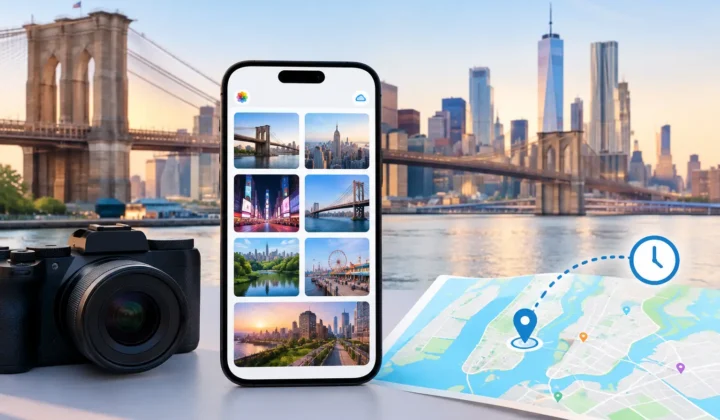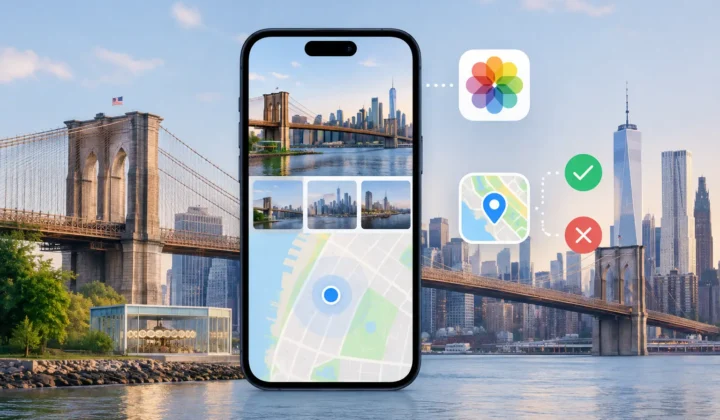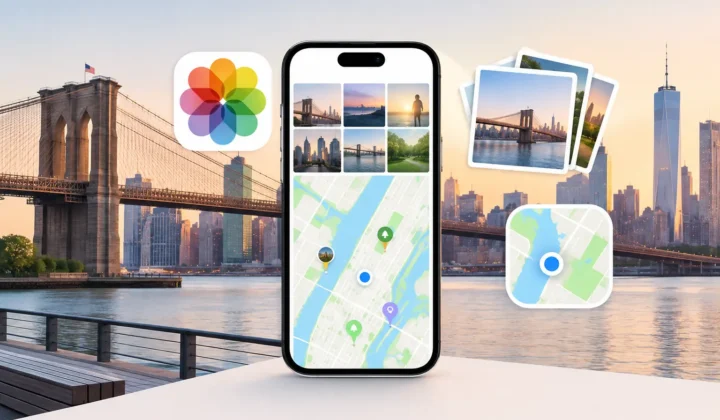
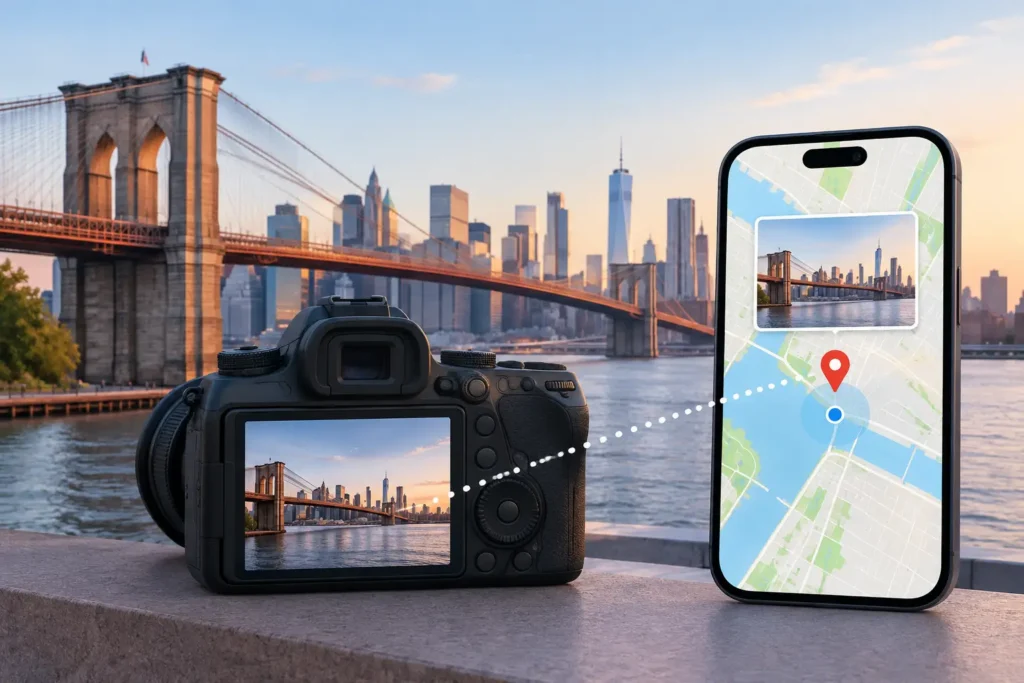
A DSLR can preserve the look of a trip in remarkable detail while losing the one detail that makes the library easy to revisit: where each frame was made. DSLR location matching addresses that gap by comparing camera photos with nearby, already geotagged images in your Apple Photos library. Done carefully, it can restore context to a set of images without treating every timestamp as proof.
That distinction matters. A photo taken at 2:14 PM between two phone photos at the same trailhead may have strong location evidence. A photo taken at 2:14 PM between breakfast in one city and dinner six hours later does not. The correct result in the second case is not a convenient pin. It is an unresolved photo until better evidence is available.
What DSLR Location Matching Can Actually Establish
Most Canon, Nikon, Sony, and Fujifilm cameras record the date and time in each file, but many do not record GPS coordinates. Meanwhile, an iPhone often creates a useful trail of location anchors: photos taken on the way to a destination, snapshots at the destination, and images captured on the return trip. DSLR location matching uses those anchors to assess where untagged camera photos belong.
The goal is not to reconstruct a travel itinerary from assumptions. It is to identify cases where the surrounding library provides enough evidence for a placement worth reviewing.
Consider a family outing. Your iPhone captures a geotagged photo in the parking area at 10:03 AM. Your DSLR captures 84 images from 10:05 to 11:18 AM. Another iPhone image, also geotagged, appears at 11:22 AM from the same park. That is a coherent group: short time gaps, consistent anchors, and no sign of a move to another place. A proposed park location is reasonable, provided it is shown as a proposal rather than silently written into every file.
Now change one detail. The final anchor is at 5:40 PM, 40 miles away. The DSLR photos may still have been taken at the park, but the timeline alone is no longer sufficient to say so with the same confidence. A responsible matching workflow reflects that uncertainty.
A timestamp is evidence, not a coordinate
Time is the starting point because it gives untagged files a place in the library timeline. But timestamps have limits. A camera may be set to the wrong time zone, drift by a few minutes, or remain unchanged after daylight saving time. Older files may have been copied or edited in ways that preserve one date while altering another.
Location matching should therefore look for patterns instead of taking each timestamp literally. If DSLR photos consistently appear 47 minutes before the relevant iPhone anchors across several sessions, the issue may be a camera-clock offset rather than a series of impossible trips. Correcting that offset can turn ambiguous groups into well-supported ones.
The practical question is simple: do the timestamps and known locations tell one believable story? If they do not, the system should show the conflict rather than hide it.
A Careful Workflow: Scan, Confirm, Apply
The most reliable approach separates analysis from changes. That protects the library from opaque automation and gives you a chance to judge each proposed match in context.
Scan the timeline for anchors
Start with the images that already have trustworthy locations. These might be iPhone photos, GPS-enabled camera images, or earlier manually verified photos. They are the anchors around which untagged DSLR files can be assessed.
A useful scan identifies runs of untagged photos between anchors and keeps them grouped. Grouping is more meaningful than asking you to make the same decision 200 times. A burst of landscape images, portraits, and detail shots taken during one stop should be reviewed as one event when the evidence supports that interpretation.
Timeline scale matters here. A four-minute interval between two matching anchors is very different from a four-hour interval. At a broad scale, both may look adjacent. At a useful scale, the uncertainty becomes visible.
Confirm the proposal against the evidence
Before applying any location, inspect the surrounding photos, their timestamps, and the proposed group boundaries. Ask whether the camera files plausibly belong to the same stop as the anchored images.
Strong proposals usually have close anchors on both sides, stable location data, and a continuous sequence of camera timestamps. Moderate proposals may have only one nearby anchor or a wider gap that still fits the day’s timeline. Weak proposals may be close in time but separated by evidence of travel, conflicting anchors, or an unexplained clock discrepancy.
Certainty should be explicit. A color or label can help distinguish a justified placement from one that needs closer inspection, but it should not substitute for the evidence itself. The map, anchor photos, interval, and proposed adjustment should remain visible to the person making the decision.
If a group is wrong, the best tools make correction ordinary rather than exceptional. You should be able to move the proposed location, split a group that actually covers two stops, exclude individual photos, or leave the entire group untouched. Manual editing is not a failure of the workflow. It is how the workflow respects information only you have, such as a venue name, a paper itinerary, or the memory that the camera was handed to someone else.
Apply changes only after approval
Once you approve a proposed match, write the location metadata as a deliberate library change. The operation should be journaled or otherwise reversible, so an accidental approval does not become permanent history.
This matters especially for archives. A location tag can affect map views, search results, shared albums, and the story a future family member takes from a photograph. Reversibility gives you room to improve the library over time without pretending that every decision is final.
Photo Geotag follows this review-first model on iPhone, iPad, and Mac: it analyzes eligible photos on device, presents grouped proposals, and does not silently add a pin it cannot justify.
Clock Correction Is Often the Missing Step
A camera clock that is off by a few minutes can create annoying near-misses. A clock that is off by an hour can cause a travel day to appear scrambled. Before rejecting otherwise sensible matches, look for a consistent offset.
Suppose iPhone photos show the hotel lobby at 8:30 AM, while DSLR images of the same lobby begin at 7:30 AM. Later that day, the same one-hour difference appears at a museum and restaurant. The camera was likely left on a previous time zone or daylight saving setting. Applying a verified clock correction improves the timeline without inventing a location.
The operative word is verified. One similar-looking image is not enough to establish an offset. Look for multiple events with independently recognizable locations or subjects. If the offset changes across the library, treat separate date ranges independently. A camera may have been corrected mid-trip, shared with another person, or reset after a battery change.
When Not to Match a DSLR Photo
Some photos should remain unlocated. That is not an incomplete result; it is an accurate one.
Avoid automatic placement when the surrounding anchors are far apart, when the route between them includes multiple plausible stops, or when the camera clock cannot be reconciled with known events. The same caution applies to indoor photography where phone GPS may have settled on a nearby street or building rather than the actual venue.
Be wary of imported images with unreliable capture times. Scanned prints may carry the scan date rather than the original date. Messaging and file transfers can preserve, replace, or strip metadata depending on the path the image took. In those cases, a written caption, album context, or manual map placement may be more reliable than timeline inference.
Privacy also deserves the same care as accuracy. Location metadata can reveal homes, schools, routines, and places associated with children. A local, on-device workflow keeps your library analysis out of a third-party cloud service, but you should still consider where newly tagged photos may later be shared. Accurate metadata is valuable precisely because it carries real context.
Build a Library You Can Trust Later
The value of location matching is not just a fuller map. It is the ability to search for the weekend at the lake, separate two similar vacations, or understand where an unlabeled set of camera files belongs years from now. Those benefits depend on restraint as much as automation.
Start with the clearest groups: trips with nearby phone anchors, recognizable events, and a camera clock you can verify. Leave uncertain images for another day. A photo library becomes more useful when each added location has a reason behind it, and more trustworthy when the app is willing to say when that reason is not yet strong enough.